
What Is Wonderware? Connecting AVEVA InTouch to Allen-Bradley DH+
Wonderware is the industrial software brand behind InTouch HMI, one of the most widely installed HMI and SCADA packages in manufacturing. Many of those systems still read data from Allen-Bradley PLC-5 and SLC 5/04 processors on Data Highway Plus (DH+). This page explains what Wonderware is today and how to connect it to a DH+ network.
What Is Wonderware?
Wonderware was founded in 1987 and became known for InTouch, one of the first HMI packages for Microsoft Windows. The brand is now part of AVEVA, which is owned by Schneider Electric, and the products are sold under the AVEVA name. You will often see both names together, for example “AVEVA InTouch HMI (formerly Wonderware)”.
- InTouch HMI: operator screens for monitoring and controlling machines and processes.
- System Platform: the supervisory layer for plant-wide SCADA applications.
- Historian: stores process data for trends, reports and analysis.
To read and write PLC data, these products use AVEVA communication drivers. For Allen-Bradley controllers, the usual choice is the AVEVA ABCIP driver (Allen-Bradley CIP over EtherNet/IP). Older Wonderware systems can also connect through FSGateway, now called OI Gateway. Step-by-step setup: AVEVA ABCIP + InTouch application note (PDF) and FSGateway / OI Gateway application note (PDF).
Connecting Wonderware to PLC-5 and SLC 5/04 on DH+
PLC-5 and SLC 5/04 processors talk on DH+, not Ethernet. Our converters bridge the two, so Wonderware can reach DH+ nodes through its Allen-Bradley EtherNet/IP driver, the same way it talks to newer controllers. No changes to the PLC program are needed.
| ANC-100e | ANC-120e | |
|---|---|---|
| Connection | Ethernet to DH+ gateway | USB to DH+ converter |
| Installation | DIN rail, on the plant network | Plugs into one PC or laptop |
| Best for | Permanent InTouch or System Platform servers | A single workstation, or programming and troubleshooting |
| Price | $1,195 USD | $995 USD |
- ANC-100e: set its IP address and connect it to Ethernet and DH+ (see the ANC-100e User’s Guide). Its default IP address is 192.168.0.230.
- ANC-120e: install the driver and configure the network adapter (see the ANC-120e User’s Guide).
- In the Wonderware driver, point the connection to the converter’s IP address and then to the DH+ node number of your PLC.
Performance tip: DH+ is a token-passing network, so every extra DH+ node and Ethernet client adds wait time. For time-sensitive SCADA applications, plan on no more than 1 EtherNet/IP device and 4 DH+ devices per ANC-100e.
Independent Reviews
The Automation Blog tested both converters: ANC-100e DH+ to Ethernet review and ANC-120e as a 1784-U2DHP alternative.
Related guides: Kepware KEPServerEX · Ignition SCADA · Which DH+ converter do you need?
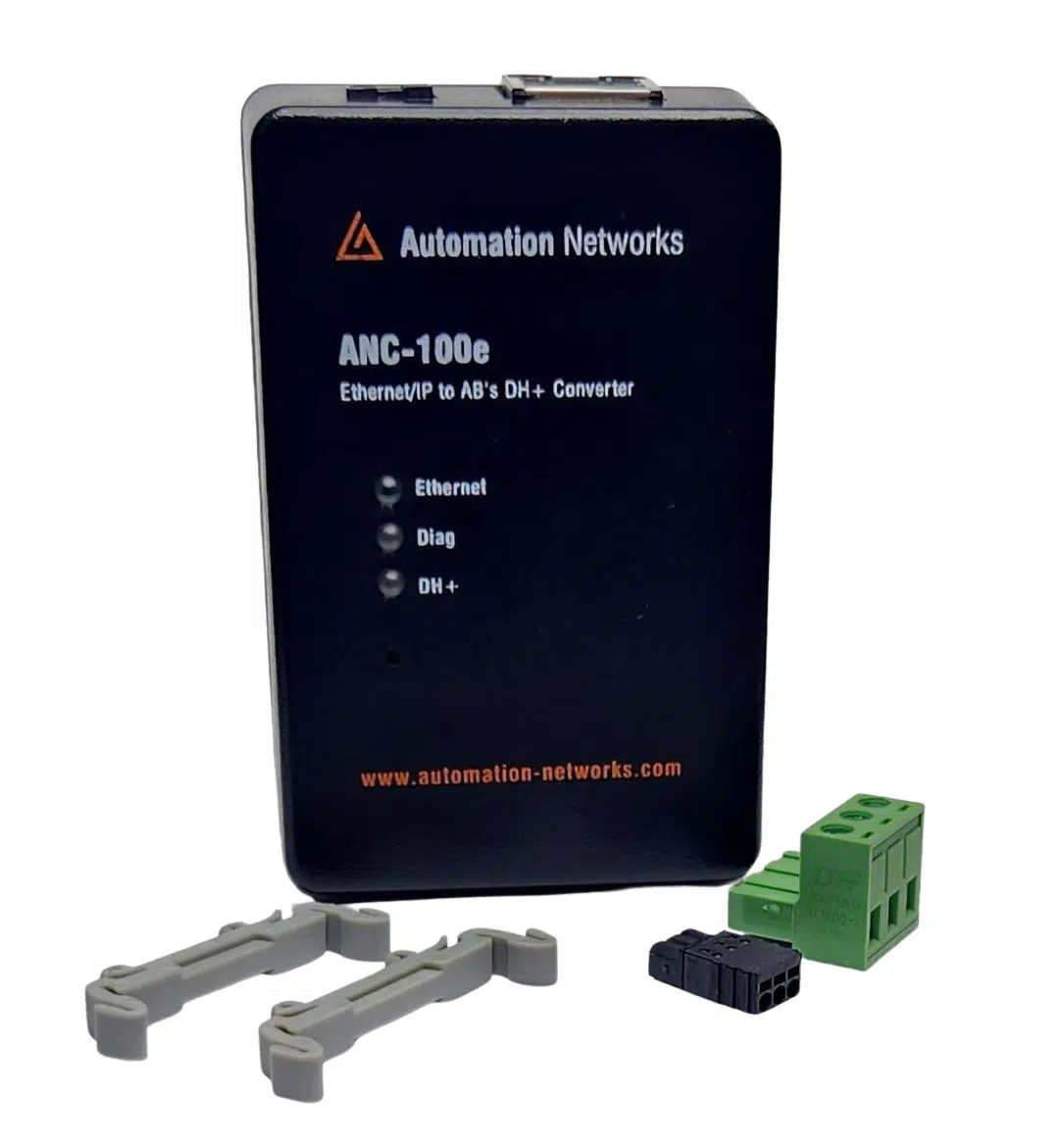
DIN-rail gateway for permanent SCADA, HMI, and PanelView Plus integration to legacy DH+ PLCs.
- • Standalone DH+ gateway architecture
- • Ignition, Kepware & FactoryTalk compatible
- • Lifetime Warranty & 30-day money-back satisfaction guarantee
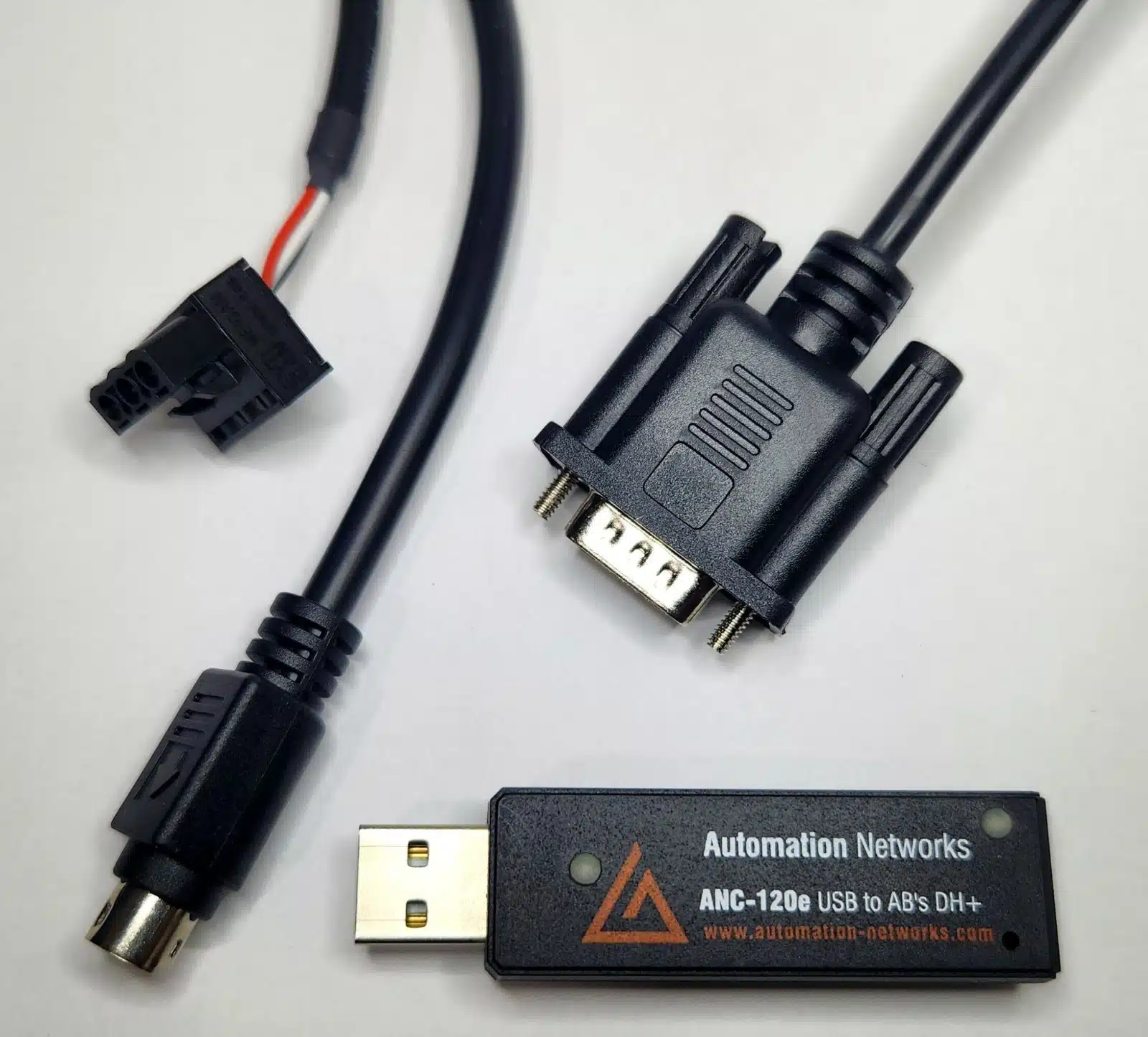
Field-proven 1784-U2DHP alternative. Connect your laptop to PLC-5 and SLC 5/04 controllers via USB on Windows 10 & 11.
- • Windows 10 & 11 (64-bit) native support
- • Cost-effective 1784-U2DHP alternative
- • Auto Baud & Auto Polarity detection