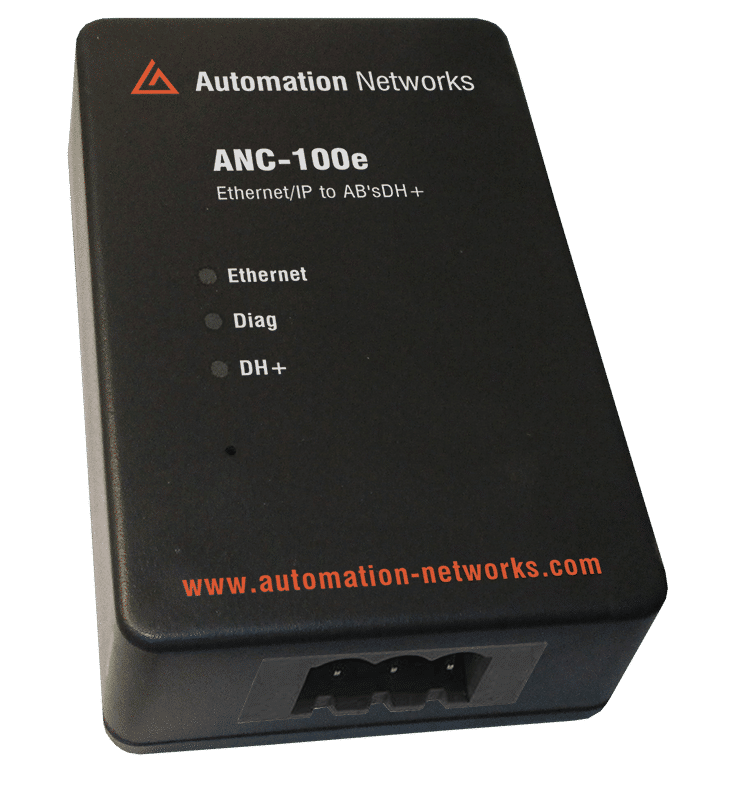
The 1747-PIC Converter
If you have ever opened a legacy industrial control cabinet from the 1990s or early 2000s, you have likely encountered the Allen-Bradley SLC 500 series. It is one of the most successful small programmable logic controller (PLC) lines in industrial automation history. However, maintaining these rugged workhorses today requires bridging the gap between decades-old communication standards and modern computer hardware.
When dealing with the older processors in this family—specifically the SLC 5/01, SLC 5/02, and the fixed hardware style controllers—you cannot connect using a standard serial or Ethernet cable. Instead, you stumble into the territory of a highly specialized, legendary, and often frustrating piece of hardware: the Allen-Bradley 1747-PIC.
In this comprehensive guide, we will unpack exactly what the 1747-PIC is, how it works, why it causes so many headaches for modern technicians, and how to successfully establish a connection to your legacy PLCs.
Defining the 1747-PIC Converter
First, a crucial technical clarification: despite often being called a "cable," the 1747-PIC is officially an acronym for Personal Computer / Peripheral Interface Converter.
It is a specialized, active electronic module housed in a plastic enclosure. On one end, it features a standard 9-pin D-shell (DB9) female serial connector to plug into a computer. On the other end, it has an RJ-45 female port that links to the PLC using a standard straight-through patch cable (the 1747-C10).
The Protocol Bridge: RS-232 to DH-485
The 1747-PIC exists to solve a physical and electrical mismatch between old computers and old PLCs:
- The Computer Side (RS-232): Standard computer COM ports operate on the RS-232 electrical standard, which is single-ended and meant for short-distance, point-to-point communication.
- The PLC Side (DH-485): The SLC 5/01, 5/02, and some fixed controllers communicate using DH-485 (Data Highway 485). Electrically, DH-485 is based on RS-485, which uses differential signaling to allow multi-drop networking across long distances on the plant floor.
The 1747-PIC is an active converter that translates the electrical signals of an RS-232 serial port into the RS-485 differential voltages required by a DH-485 network.
Supported Hardware and the RJ-45 "Trap"
The 1747-PIC is the primary gateway for several vintage Allen-Bradley components:
SLC 5/01 & SLC 5/02 Processors: These CPUs only feature a single DH-485 RJ-45 port.
SLC 5/03 Processors: While the 5/03 has a DB9 port for DF1 serial communication, its top port is an RJ-45 DH-485 port, which can accept a 1747-PIC connection.
PanelView Terminals: Legacy PanelView 300, 550, and 600 keypads or touchscreens that utilize the DH-485 protocol port.
⚠️ WARNING: The Danger of the RJ-45 Port
One of the most dangerous traps for a rookie technician involves the RJ-45 port on an SLC 500 processor. Because it looks exactly like a standard Ethernet jack, it is incredibly tempting to plug a modern laptop's Ethernet cable straight into the PLC.
Do not do this.
The DH-485 port on an SLC 500 carries +24V DC power on Pin 1 and Pin 8 to power peripheral devices like the 1747-PIC converter. If you plug a standard PC network card directly into this port, you risk instantly frying the Ethernet port on your laptop, the PLC processor, or both. The 1747-PIC isolates and uses this power safely; a standard network interface card does not.
How to Configure the 1747-PIC in RSLinx

If you maintain a "field laptop" running a native 32-bit version of Windows XP with a real, physical 9-pin COM port, here is the exact procedure to get online:
Connect the Hardware: Connect the 1747-PIC to COM1 or COM2 on your computer. Run a straight-through 1747-C10 cable from the PIC box to the RJ-45 port of the powered-up SLC 500.
Open RSLinx Classic: Navigate to Communications > Configure Drivers.
Select the Driver: From the "Available Driver Types" dropdown, select 1747-PIC / AIC+ Driver and click Add New.
Assign the COM Port: Choose the physical COM port number matching your motherboard's serial port.
Set Station Number: Assign your computer a unique station number on the DH-485 network (typically Station 0, as the PLC defaults to Station 1).
Startup Type: Set the driver to run. If successful, you can open the RSWho browsing window and watch the SLC 500 icon populate.
Crucial Note: Once the PIC driver is running in Windows XP, it takes exclusive ownership of that COM port. You must stop or delete the driver in RSLinx if you want to use that same serial port for a different cable, such as a 1747-CP3 serial cable.
Open RSLinx Classic: Navigate to Communications > Configure Drivers.
Select the Driver: From the "Available Driver Types" dropdown, select 1747-PIC / AIC+ Driver and click Add New.
Assign the COM Port: Choose the physical COM port number matching your motherboard's serial port.
Set Station Number: Assign your computer a unique station number on the DH-485 network (typically Station 0, as the PLC defaults to Station 1).
Startup Type: Set the driver to run. If successful, you can open the RSWho browsing window and watch the SLC 500 icon populate.
Crucial Note: Once the PIC driver is running in Windows XP, it takes exclusive ownership of that COM port. You must stop or delete the driver in RSLinx if you want to use that same serial port for a different cable, such as a 1747-CP3 serial cable.