
Rockwell Automation provides industrial plant connectivity through RSLinx Classic and Enterprise software, establishing reliable communication between Allen-Bradley programmable logic controllers (PLCs) and supervisory HMI/SCADA applications. While FactoryTalk Linx has replaced the original Enterprise edition for ControlLogix architectures, understanding RSLinx Classic and Enterprise software remains essential for maintaining legacy PLC-5 and SLC 500 hardware across operating plants.
Modern 64-bit operating systems do not support obsolete PCI/PCMCIA interface cards like the 1784-PKTX or 1784-PCMK, and the OEM 1784-U2DHP USB cable is costly and relies on its own proprietary Rockwell driver. Engineers configuring RSLinx Classic and Enterprise software require native Ethernet/IP drivers paired with modern hardware interfaces (ANC-100e and ANC-120e) to eliminate legacy driver instability.
1. RSLinx Classic and Enterprise Software Architectural Differences
Understanding the distinct role of each communication server determines the proper driver setup and software licensing required on the plant floor:
- RSLinx Classic: Designed for standalone PLC programming, configuration, and DDE/OPC DA connectivity. It connects RSLogix 5, RSLogix 500, and Studio 5000 to serial DF1, Data Highway Plus (DH+), DH-485, and Ethernet networks.
- FactoryTalk Linx (formerly Enterprise): Embedded within the FactoryTalk Services Platform, optimized for high-throughput distributed SCADA applications like FactoryTalk View Site Edition without third-party OPC server overhead.
2. Configuring Communication Drivers for DH+ Networks
Rather than installing proprietary 1784 USB drivers, Automation Networks converters communicate through drivers already built into RSLinx Classic:
- Driver Selection: The ANC-100e emulates a 1756-ENBT / 1756-DHRIO bridge and works with the EtherNet/IP (AB_ETHIP) or Ethernet devices (AB_ETH) drivers. The ANC-120e uses the Ethernet devices or Remote Devices via Linx Gateway driver. Both units work with the free version of RSLinx Classic; no RSLinx Gateway license is required.
- Transparent Node Browsing: Once pointed to the device IP address, RSWho expands the virtual backplane, browses the DH+ channel, and discovers all legacy PLC-5 and SLC 5/04 nodes automatically via built-in Auto-Baud detection.
3. Hardware Solutions for RSLinx Classic and Enterprise Software
Bridging modern engineering workstations to legacy DH+ architectures requires physical interface hardware with native 64-bit driver compatibility:
- ANC-120e USB Interface ($995 USD): Plug-and-play USB programming cable a lower-cost alternative to the 1784-U2DHP and a replacement for the obsolete 1784-PCMK card with full Windows 10 & 11 (64-bit) support.
- ANC-100e Ethernet Gateway ($1,195 USD): Permanent DIN-rail converter bridging DH+ racks directly to modern plant-wide EtherNet/IP networks, Kepware, and FactoryTalk View.
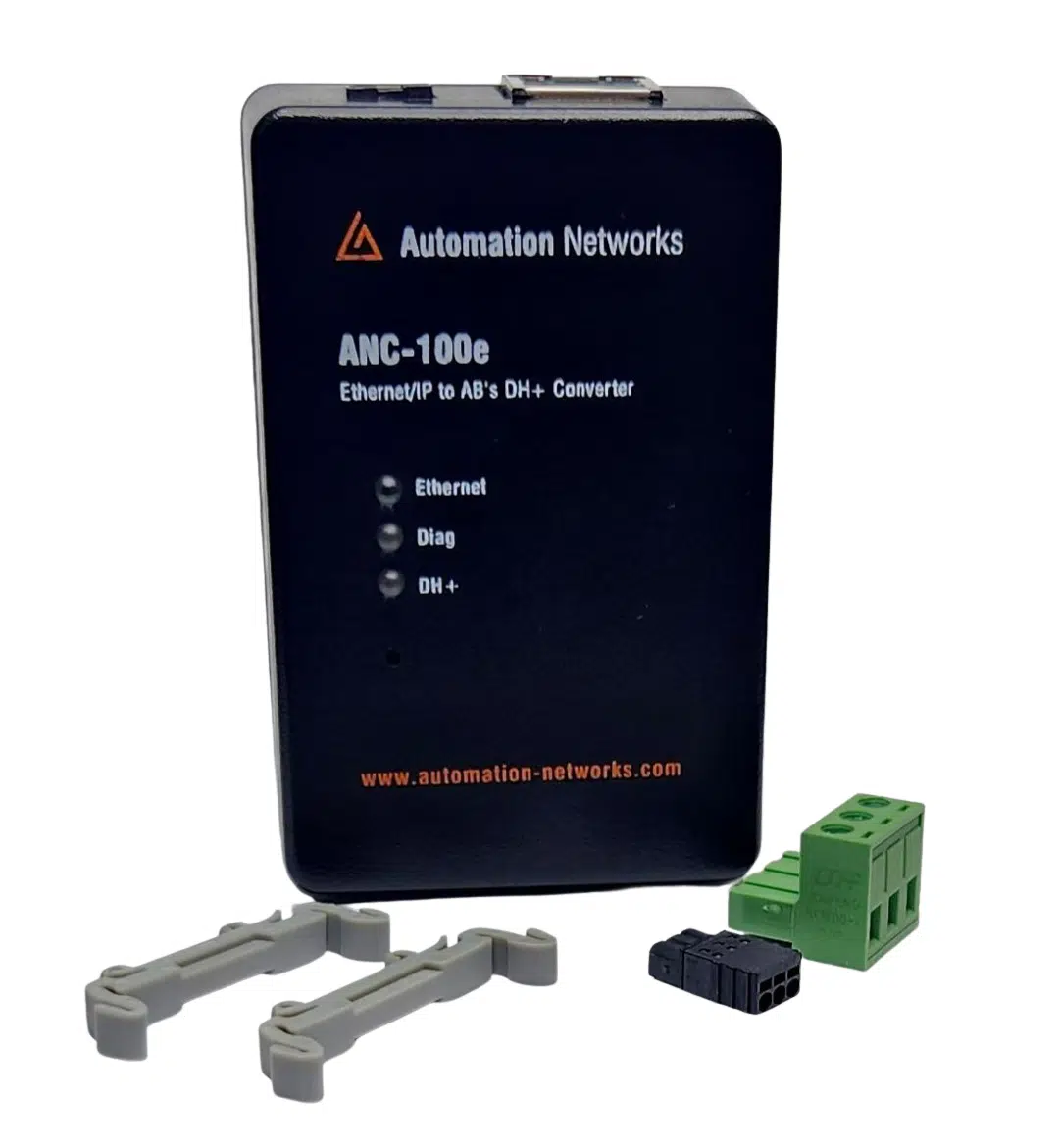
DIN-rail gateway for permanent SCADA, HMI, and PanelView Plus integration to legacy DH+ PLCs.
- • Standalone DH+ gateway architecture
- • Ignition, Kepware & FactoryTalk compatible
- • Lifetime Warranty & 30-day money-back satisfaction guarantee
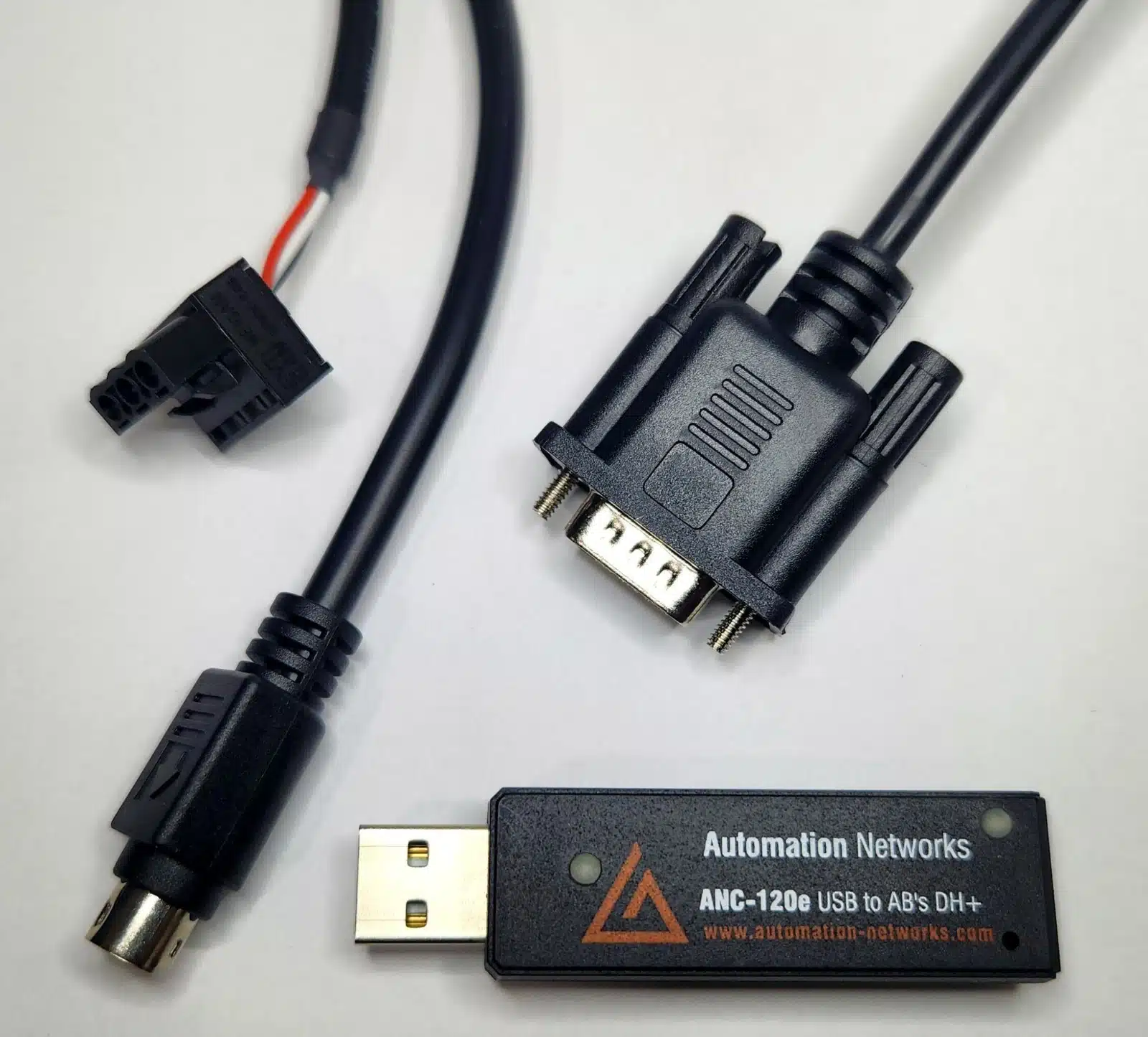
Field-proven 1784-U2DHP alternative. Connect your laptop to PLC-5 and SLC 5/04 controllers via USB on Windows 10 & 11.
- • Windows 10 & 11 (64-bit) native support
- • Cost-effective 1784-U2DHP alternative
- • Auto Baud & Auto Polarity detection
4. Using FactoryTalk Linx and FactoryTalk View SE with the ANC-100e
FactoryTalk View SE servers can read PLC-5 and SLC 5/04 data on DH+ through FactoryTalk Linx, without a ControlLogix bridging rack. The ANC-100e's HMI feature gives each DH+ node its own IP address:
- In the ANC-100e web interface, open the HMI tab, enable a row and assign an unused IP address (on the same subnet as the ANC-100e) to the DH+ node you need. You can map up to 5 nodes.
- In FactoryTalk Administration Console, add a Rockwell Automation Device Server (FactoryTalk Linx) to your application and add an Ethernet driver under Communication Setup.
- Add one device per HMI row: "PLC5 with Ethernet interface" for a PLC-5, or an SLC 5/05 Ethernet processor for an SLC 5/04, using the IP address assigned in the HMI tab.
- Create a device shortcut and test it in FactoryTalk Live Data Test Client, for example by reading B3:0.
Full step-by-step instructions with screenshots: RSLinx Enterprise / FactoryTalk Linx application note (PDF).
5. Feature Comparison Matrix: RSLinx Classic vs. FactoryTalk Linx
| Feature / Capability | Rockwell RSLinx Classic | FactoryTalk Linx (Enterprise) |
|---|---|---|
| Primary Use Case | PLC Programming & General OPC DA Bridging | Integrated FactoryTalk View SCADA / Live Data |
| Legacy Protocol Support | Data Highway Plus (DH+), DH-485, DF1 Serial | Primarily EtherNet/IP & ControlNet architectures |
| Programming Software Support | RSLogix 5, RSLogix 500, Studio 5000 (Logix Designer) | Studio 5000 & FactoryTalk View Studio |
| OPC Server Type | OPC DA (Data Access) 2.05 & DDE Server | FactoryTalk Live Data & OPC UA Connector |
| Modern DH+ Hardware Solution | ANC-120e (USB Cable) & ANC-100e (Ethernet Gateway) | ANC-100e (EtherNet/IP to DH+ Gateway Bridge) |

Whether programming legacy PLC-5 / SLC 5/04 processors via RSLinx Classic or modernizing SCADA communications, Automation Networks hardware is in stock and ready to ship from the USA.
Independent evaluations: See the ANC-120e review (The Automation Blog #58) and the ANC-100e setup video (#2).